
Teachers can also learn how to create narrated presentations, videos featuring avatars and personal explanations by the teacher
The creation of your own instructional videos will feature as a separate module in the AI training programme currently under development. The relevant course components will support teachers in creating narrated presentations, avatar-based videos and content based on personal explanations by the teacher. Video content has now become one of the key tools in education: it can make explanations more vivid, help students to grasp more complex topics, and enable them to revisit the material at their own pace, even several times over.
In narrated videos designed to support independent learning, the audio commentary guides the learner through the presentation. Whilst a slide show shared on its own often leaves the learner to interpret the content on their own, the narration aids understanding, highlights key points and links the content together for each learner. In this way, the presentation is not merely something to be viewed, but becomes content that is better suited to independent study. Teachers can create such narrated presentations using Narakeet.
In avatar-based videos, which offer a more personalised and guided learning experience, a digital character guides the learner through the content, addresses them, provides explanations and, through their constant presence, aids the learning process. The avatar is therefore more than just a visual element: it can create a more personalised and structured learning experience even when the teacher does not appear in the recording. To create avatar-based instructional videos, the course demonstrates how to use Colossyan.
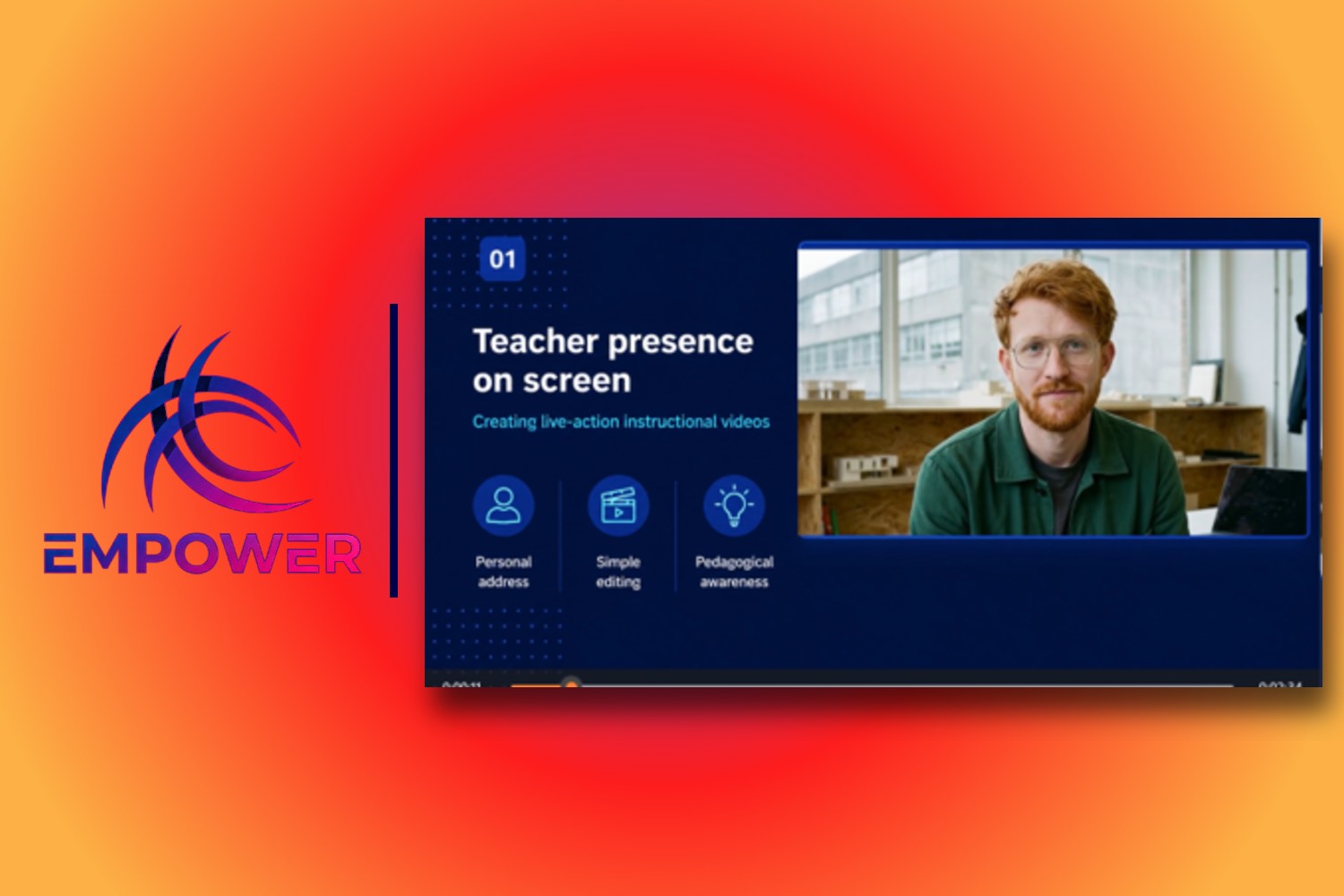
In videos produced in-house, where the teacher is present on screen, the teacher themselves guides the pupils through the topic. This content is more personal, more direct, and better reflects the teacher’s own way of explaining things and their teaching style. With VEED.io, creating your own videos – which may previously have seemed more complicated and time-consuming – can become much simpler: teachers can record explanatory or screen videos, and then edit them, add subtitles and improve their sound quality, all in one place.
Teachers can familiarise themselves with a range of video-making tools and learn to make informed choices about which solution best supports understanding of the relevant subject matter and the intended teaching objective.
08.04.2026